AI Song Generator: Make a Song from Your Lyrics or an Idea
Type what the song is about, or paste lyrics you wrote, and hear it sung.

music.toolTips
relatedTools.title
Donna AI Alternative: Songs from Text or Lyrics | AIMusic
AI Song Maker: Make a Song from Lyrics or an Idea | AIMusic
Free Focus Music Generator - AiMusic | Custom Tracks Made Easy
AI Rap Generator: Turn Your Bars into a Rap Song | AIMusic
AI Lounge Music Generator: Chill Lounge Tracks | AIMusic
AI Dramatic Music Generator: Tension and Suspense | AIMusic
AI Reggae Music Generator: Reggae Tracks from Text | AIMusic
Free Calm Music Generator | AI Music for Relaxing Tracks
What the AI Song Generator Does
Songs from Your Own Lyrics
Paste lyrics you wrote, set a style such as "acoustic folk, warm female vocal, fingerpicked guitar", give the song a title, and the generator sets your words to music. This is Custom mode. It works best when the lyrics already have a shape: a verse that tells the story, a short chorus that repeats, and maybe a bridge that changes the mood. If a line is too long to sing comfortably, split it in two before you generate.
Songs from a Short Description
No lyrics yet? Describe the song in one line and the AI writes the lyrics and the music together. A good description names the topic and the feeling, for example "an upbeat pop song about moving to a new city and missing old friends" or "a slow piano ballad about a long-distance phone call". Vague prompts like "a nice song" give generic results.
With Vocals or Instrumental
Songs come with AI vocals by default. Turn on Instrumental when you need music only, such as a background track for a video.
Pick the Genre and Mood
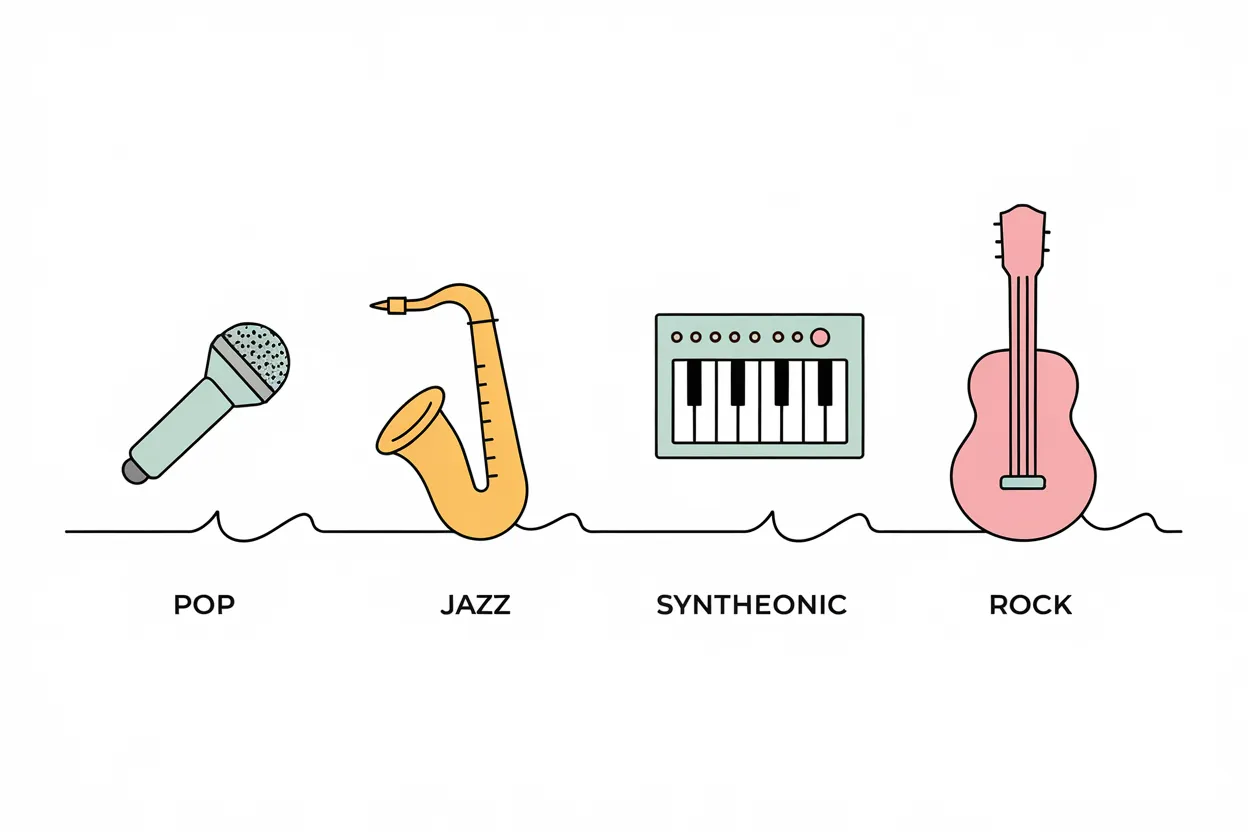
Name the genre, mood, tempo and instruments in the style field, or in your description if you use Simple mode. The more specific the description, the closer the result. Compare "rock" with "garage rock, fast, distorted guitars, shouted gang vocals": the second tells the generator what to play and how to sing. Mixing two genres also works, such as "reggaeton beat with a mariachi trumpet hook".
Write Better Lyrics First
If you are stuck on the words, the free lyrics generator writes two versions from a theme or story idea. Copy the one you like into Custom mode.
Try It Here Without an Account
You can generate a song in the box on this page without signing up. To save songs to your library (kept for 7 days on Free, with no expiry on paid plans) and get 15 free credits a day, sign in and use the full generator.
How to Make a Song with the AI Song Generator
Write Lyrics or a Description
Paste your own lyrics, or describe the song you want in a sentence: what it is about, the genre and the mood. Your own lyrics give you control over every word; a description is faster when you just need a song about a topic.
Choose the Style
In Custom mode, add a style such as "90s R&B, slow, smooth male vocal"; in Simple mode, put those details into your description. Turn on Instrumental if you only want music. A useful order is genre, then tempo, then the voice, then one or two instruments. Describe the sound you want instead of naming an artist; requests that name real artists are blocked.
Generate and Listen
Click Generate and listen to the result. If it is close but not right, change one thing at a time, such as the tempo or the voice, and generate again. To keep songs in your library, download them on a paid plan, or make more with daily credits, sign in to AIMusic.
Who Uses an AI Song Generator
Songwriters
Hear a draft of your lyrics as a full song and compare styles before you record anything. Hearing the same chorus as folk and as pop is a quick way to find out where the words feel natural.
Video and Podcast Creators
Make an intro, theme or background track that fits your content, with or without vocals. Paid plans include commercial use rights, and annual plans add a PDF license certificate.
Teachers and Language Learners
Turn vocabulary, phrases or a short poem into a song to make them easier to remember, for adult language classes or workplace training. Short, rhyming lines with a repeated chorus work best for this.
Anyone Making a Gift
Write a few lines about a birthday, wedding or friend and turn them into a song to share as a link. Names and small shared memories make the lyrics feel personal.
Ways People Use the AI Song Generator
A songwriter pastes a verse and chorus into Custom mode, tries country and pop styles, and keeps the version that fits the words.
Lyrics to a demo
Example useA YouTube creator describes a short idea for a channel theme, generates a few takes, and uses one under a paid plan with commercial rights.
Channel intro song
Example useAn adult learner turns ten Spanish phrases into a short pop song and sings along to practice pronunciation.
Language practice
Example useSomeone gives the lyrics generator a few details about a friend, picks the better of the two versions, and shares the finished song as a link.
Birthday song
Example use
AI Song Generator FAQ
What is an AI song generator?
It is a tool that turns words into a finished song: you give it lyrics or a description, and it produces the music and, unless you choose Instrumental, the vocals.
Can I make a song from my own lyrics?
Yes. Use Custom mode, paste your lyrics, add a style and a title, and the generator sings your words.
Is the AI song generator free?
You can try it on this page without an account. With a free account you get 15 credits a day, about 3 songs at 5 credits each, refreshed at 00:00 UTC. Paid plans add more credits, private songs, library downloads and commercial use.
Do I need to sign up?
Not to try it on this page. To save songs to a library and use daily credits, sign in with Google or email; signing up is free.
Can I choose the genre and mood?
Yes. Describe the genre, mood, tempo and instruments in the style field (Custom mode) or in your description (Simple mode), for example "lo-fi hip hop, mellow, piano and vinyl crackle".
Does it make songs with vocals?
Yes, songs are sung with AI vocals by default. Turn on Instrumental if you want music without vocals.
Can I download the songs?
Downloading from your library comes with the paid plans: MP3 on Pro and Ultra, and WAV on Ultra. Public song pages also offer an MP3 download to anyone.
Can I use the songs commercially?
Songs created while you have an active paid plan can be used commercially, and annual plans include a PDF license certificate. Songs made on the Free plan do not include commercial rights.
Can I make a song in the style of a famous artist?
Requests that name real artists or producers, or include copyrighted lyrics, are blocked. Describe the sound instead, such as "raspy soul vocals with a horn section", and use your own lyrics.
Which AI model makes the songs?
In the full generator, free accounts use V6 mini, paid plans use V6, and Ultra adds V6 Wild. Each song costs 5 credits on any model.