AI Background Music Generator: Music That Fits Your Scene
AIMusic's background music generator creates instrumental tracks from a short description of the mood, the scene and the instruments you want.

music.toolTips
relatedTools.title
AI Outro Music Generator: Endings for Videos | AIMusic
AI Meditation Music Generator: Music for Stillness | AIMusic
Music for Reading: AI Reading Music Generator | AIMusic
AI Stock Music Generator: Tracks Made to Order | AIMusic
Free Lofi Music Generator - AI Music Features & Custom Tracks
Sad Song Generator: AI Sad Music and Songs | AIMusic
Free Lofi Chill Music Generator | Aimusic.so
AI Soul Music Generator: Soul Songs from Text | AIMusic
What the AI Background Music Generator Does
Describe the Scene, Get the Music
Write what the music is for and how it should feel, such as "calm background music for a cooking video, acoustic guitar and light percussion", and the generator makes a track to match.
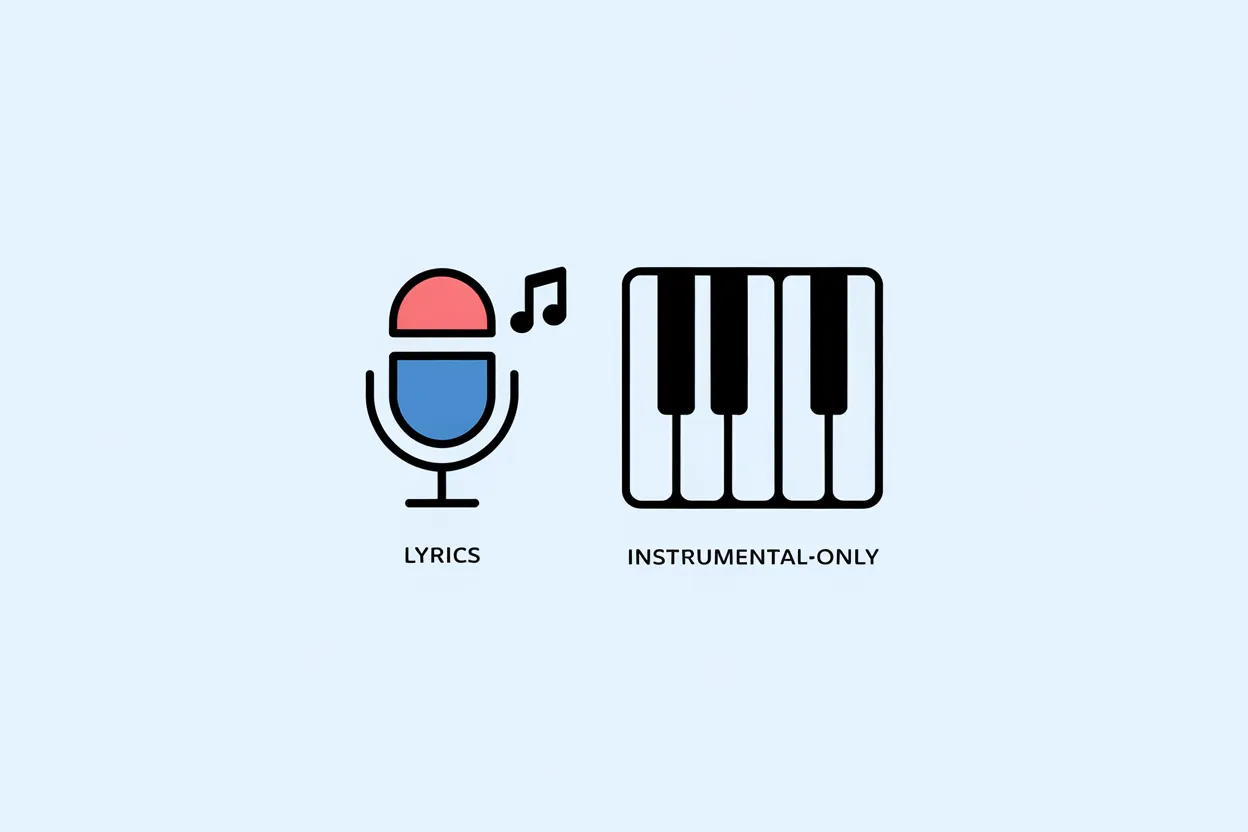
Instrumental Mode for Voiceovers
Turn on Instrumental so there are no vocals competing with your narration, dialogue or game sound.
Set the Mood and Energy
Words such as "relaxed", "upbeat", "tense", "inspiring" or "dreamy" set the mood. "Slow", "steady" or "driving" set the energy, and naming two or three instruments shapes the sound.

A Complete Example
Turn on Instrumental and write: "warm, upbeat background music for a travel vlog, ukulele, hand claps and soft bass, light and positive". Generate, listen, then change one word, such as "upbeat" to "relaxed", and generate again to compare.
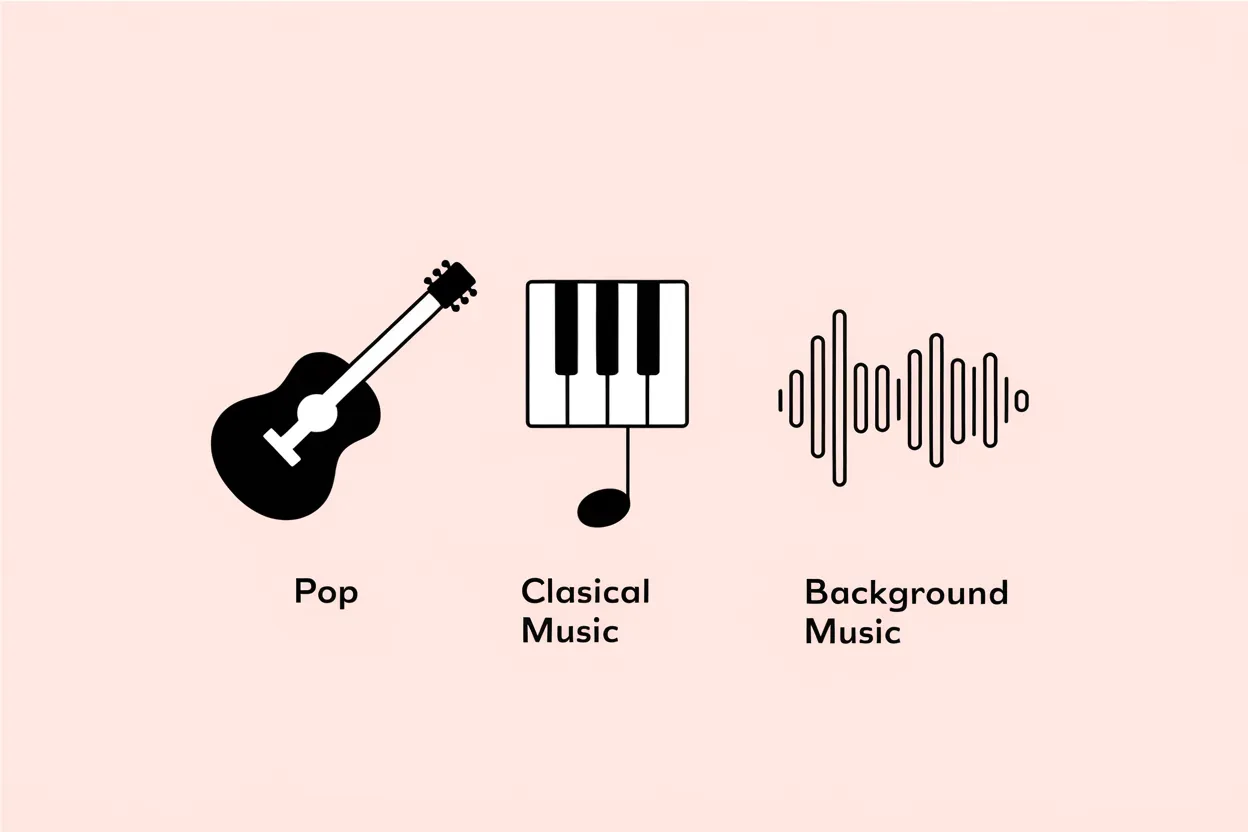
Music for Every Kind of Project
Lo-fi for study streams, cinematic strings for trailers, corporate pop for product videos, ambient pads for meditation, or chiptune for an indie game. Describe the style and generate.
Try It Here, Save in the Full Generator
You can make a track in the box on this page without signing up; tracks made here play on the page and cannot be saved to an account. To save tracks to your library and get 15 free credits a day, sign in and use the full generator.
How to Make Background Music with AI
Step 1: Describe the Scene and Mood
Say what the music is for, the mood and two or three instruments, for example "tense background music for a mystery podcast, low strings and soft piano".
Step 2: Turn On Instrumental and Generate
Switch on Instrumental so the track has no vocals, then click Generate. In the full generator, each track costs 5 credits.
Step 3: Listen and Adjust
If the track is close, change one word, such as the mood or an instrument, and generate again. To save tracks to your library, sign in and use the full generator; library downloads and commercial use come with the paid plans.
Who Uses the AI Background Music Generator
Video Creators
Background music for vlogs, tutorials, shorts and product videos. Paid plans include commercial use rights.
Podcasters and Streamers
Intro beds, segment transitions and calm music to play under conversation or commentary.
Game and App Developers
Menu themes, level music and ambient tracks for prototypes and indie projects.
Teachers and Presenters
Quiet instrumental music for slides, classroom videos and online courses.
Ways People Use the AI Background Music Generator
Ask for "light acoustic background music, cheerful, guitar and shaker" to play under a recipe video.
Cooking video
Example useGenerate a short "warm lo-fi intro, mellow keys and soft drums" to open each episode.
Podcast intro
Example useTry "calm fantasy ambience, harp and soft strings" for an indie game title screen.
Game menu
Example useMake "modern corporate pop, bright synths, steady beat" for a software walkthrough video.
Product demo
Example use
AI Background Music Generator FAQ
What is an AI background music generator?
It is a tool that creates instrumental music for videos, podcasts, games and streams from a short text description. On AIMusic you describe the scene, the mood and the instruments, turn on Instrumental, and generate.
Is the background music generator free?
You can try it on this page without an account. A free account gets 15 credits a day, about 3 tracks at 5 credits each, refreshed at 00:00 UTC. Paid plans add more credits, private tracks, library downloads and commercial use.
Can I download the background music?
Downloading from your library comes with the paid plans: MP3 on Pro and Ultra, and WAV on Ultra. Public song pages also offer an MP3 download to anyone.
Can I use the music in YouTube videos or ads?
Music created while you have an active paid plan can be used commercially, and annual plans include a PDF license certificate. Music made on the Free plan does not include commercial rights.
How do I get music without vocals?
Turn on Instrumental before you generate. Background music for voiceovers usually works best without vocals.
What should I write in the prompt?
What the music is for, the mood, the energy and two or three instruments. For example: "relaxed background music for a study stream, lo-fi, soft piano and vinyl crackle, slow".